Claude Code Bootcamp for Everyone - October 2026
Tirsdag 27. oktober
09:00 – 15:30
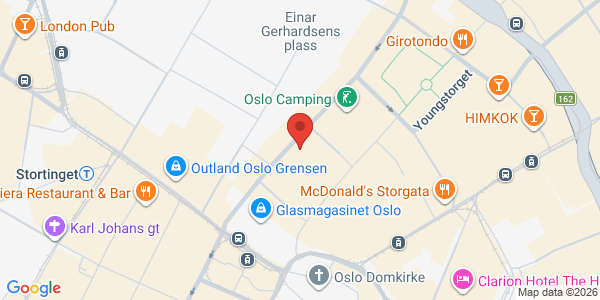
Mesh Oslo
Møllergata 6, 8 0179, Oslo, Norge
Om arrangementet
Arrangør: Gritai AS
Want to learn what Claude Code can do for you?
This is a practical full-day bootcamp for anyone who wants to get started with Claude Code and get a solid understanding of what is possible. No coding experience is required.
Throughout the day, you will get hands-on with the tool and learn how Claude Code can help with everything from files and analysis to writing, research, automation, and building small tools.
The goal is not to make you an expert in one day. The goal is to help you understand what Claude Code can be used for, feel confident getting started, and leave with practical ways of working that you can use right away.
What is new this time?
Claude Code has become much easier to use in recent months.
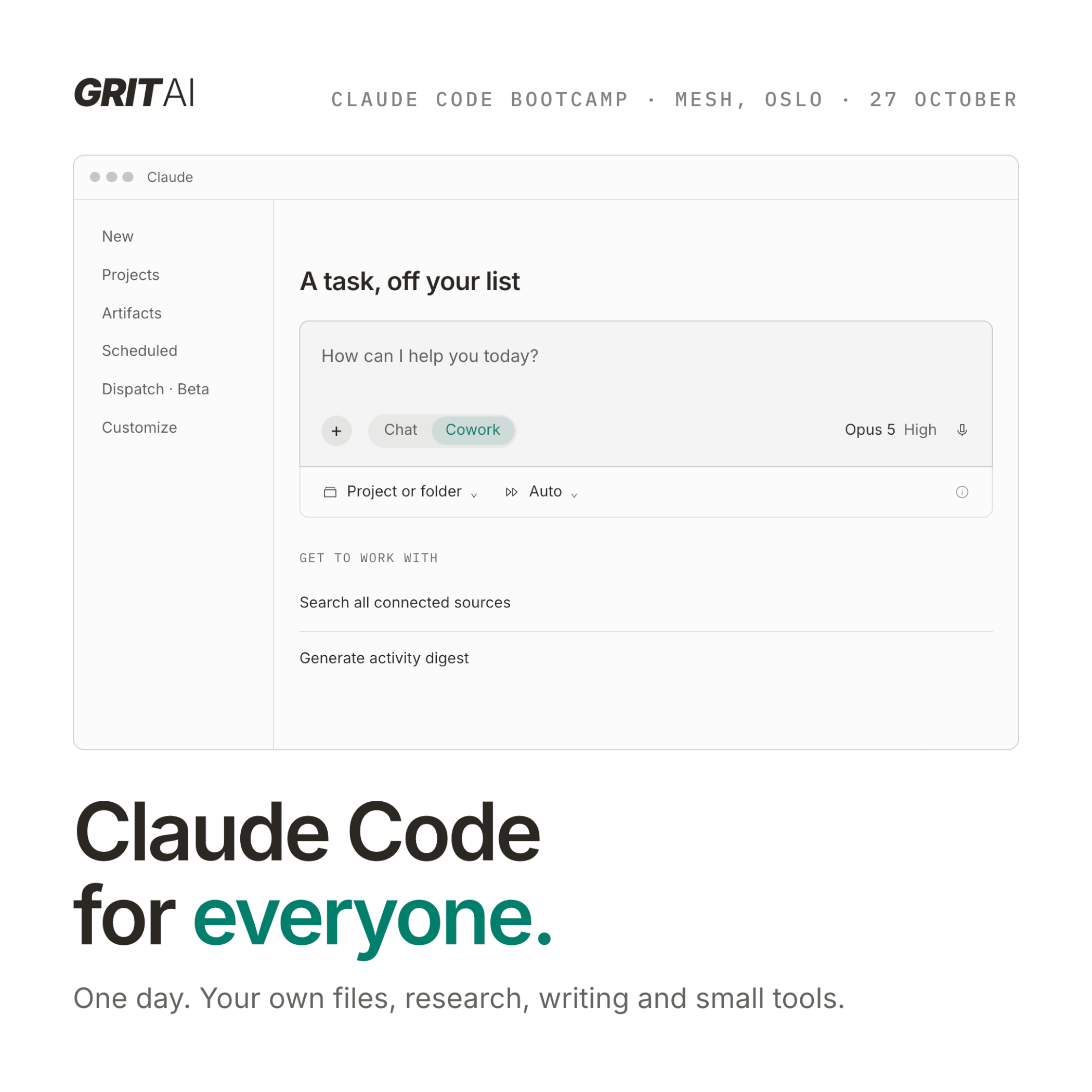
You can now use Claude Code directly in the Claude desktop app and through Cowork, without needing to work in the terminal.
This bootcamp focuses on how to use Claude Code through these new interfaces. That makes the tool much more accessible, including for people without a technical background.
We start from the basics and build from there through practical exercises during the day.
In short
Claude Code is an AI agent that can actively work on your tasks.
It can read and work with files, analyse data, write and edit text, conduct research, automate tasks, and build small tools and apps.
Despite the name, you do not need to know how to code to use Claude Code.
The key is learning how to give the agent the right context, collaborate with it effectively, and use it for tasks that are genuinely useful in your day-to-day work.
This bootcamp is for anyone who wants to understand the possibilities and learn by doing.
Who is this bootcamp for?
The bootcamp is for anyone who is curious about how AI agents can be used to work smarter and get more done.
For example:
- Project managers
- Consultants
- Analysts
- Lawyers and legal professionals
- Researchers
- Marketers
- Strategists
- Product professionals
- Leaders
- Founders
You do not need a technical background or any programming experience.
All you need is a laptop and a willingness to try something new.
What you will learn
- How to get started with Claude Code
- How to collaborate effectively with Claude Code through the different interfaces
- When it makes sense to use the Claude desktop app and when Cowork is useful
- How to work with files, documents, spreadsheets, PowerPoint presentations, PDFs, and data
- How Claude Code can be used for research, analysis, and writing
- How to automate manual and repetitive tasks
- How to build small, useful apps and tools for your own workflows
- How to use Claude Code to create content, visuals, and other creative outputs
- How to create workflows that can be reused later
- How to give Claude Code the right context so it understands your task and the way you work
Skills and reusable workflows
You will also get an introduction to Skills.
Skills let you package knowledge, working methods, and instructions into reusable setups that Claude can apply again and again.
For example, this could be a specific way of analysing a document, creating a report, conducting research, reviewing content, or carrying out a workflow.
We will look at how you can make your own ways of working more structured and easier to reuse.
Hands-on throughout the day
This is not a full day of presentations.
You will use Claude Code yourself.
We will work with practical examples, exercises, and workflows throughout the day so you can experience how the tool actually works.
You are also welcome to bring your own challenges and tasks that you would like to explore.
Preparation
Before the bootcamp, you will need:
- A Claude subscription: Pro, Team, or Max
- A laptop running Mac, Windows, or Linux
- The Claude desktop app installed
We recommend logging in and checking that Claude is working on your computer before you arrive.
Your lecturers
Aleksander Stensby is a Claude Code Community Ambassador and hosts the Oslo meetup. Former CEO of Klaveness Digital, where he built and scaled a B2B SaaS platform. Has co-founded multiple startups. Speaks at NDC AI and other conferences, with 10+ AI talks lined up in 2026.
Simon Sebergsen, former CPO and CCO at Klaveness Digital. Background in finance, strategy, product and growth. Lives in Claude Code and loves using Claude for everything.
About GritAI Studio
GritAI Studio is a hands-on AI Studio based in Oslo. We host the official Claude Code Meetup at Mesh, and we are part of Anthropic's Claude Community Ambassador Program.
We also help companies adopt AI through training, workshops, and consulting, working with large organisations across Norway and Europe.
Learn more at gritai.studio / YouTube / LinkedIn
Billetter
- GritAI Claude Code Bootcamp7 500 krinkl. mva.